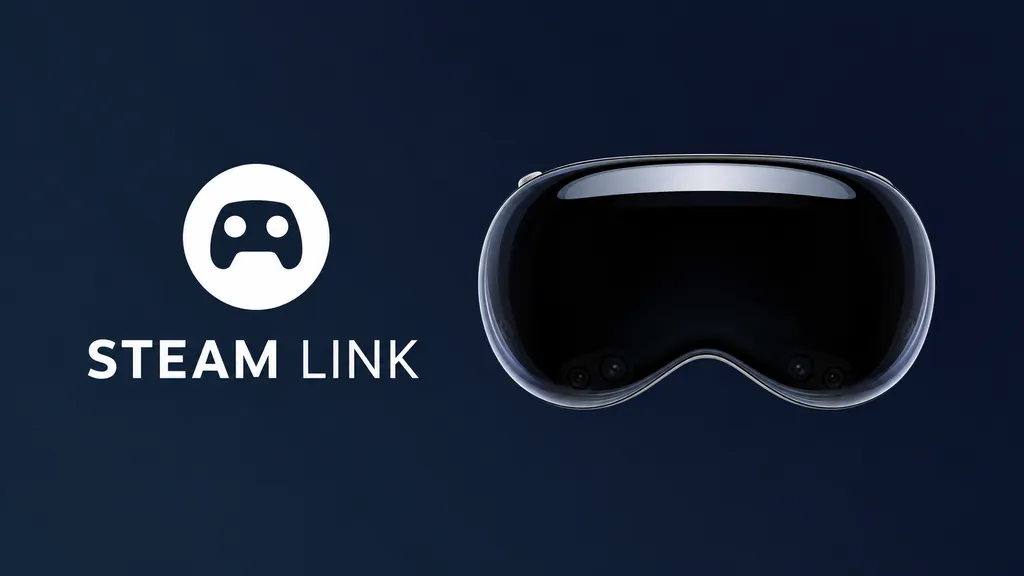
Valve released a native visionOS client for the flatscreen version of Steam Link, with 4K 120FPS support, replacing the need to use the iPad app on Apple Vision Pro.
Since the launch of the original Vision Pro, the iPad version of Steam Link has been available on visionOS through the App Store. While this allowed for easily playing your flatscreen Steam library in the headset, it limited you to having a window with the 4:3 aspect ratio of an iPad, yet streaming the wider aspect ratio of your PC, leading to black bars on the top and bottom of the window – something entirely unnecessary in XR.
The iPad app also limited the window's resolution to that of an iPad, around 2732×1537 for 16:9 content.
With the visionOS app, released on the App Store a few weeks ago, the Steam Link window supports up to 4K streaming resolution, dynamically matches the aspect ratio of the PC you're streaming from, and lets you adjust the curvature of the window to your liking.
 David Heaney
As well as supporting gamepad or mouse & keyboard navigation in the Steam Big Picture interface, the new app lets you use the gaze-and-pinch interaction system of Vision Pro to launch games, looking at an entry in your Steam library with your eyes to select it and pinching your thumb to your index finger to launch it.
Valve also says the native visionOS client "improves network performance" compared to the iPad app.
Testing the app out on Vision Pro, I found the 4K quality to be a massive improvement over the iPad app, and the latency feels lower too. The gaze integration, however, awkwardly snaps a mouse-like cursor between library items, so I disabled that and stuck to navigating with a connected Bluetooth gamepad.
No VR Support
The glaring omission, of course, is PC VR support. While Steam Link on Meta Quest, Pico, and Vive Focus Vision headsets lets you play your SteamVR games, the visionOS client is entirely limited to flatscreen content.
There seem to be two distinct versions of "Steam Link", one for flatscreen devices and the other for VR headsets, and Apple Vision Pro's client is very much so a variant of the former. It seems similar to the tvOS version, with the above-noted XR additions.
 David Heaney
Third-party developers have addressed the demand for PC VR streaming on Apple Vision Pro, though. The open-source PC VR streaming tool ALVR has been available on the App Store since a few months after the M2 Vision Pro launched, and recently Clear XR and KRVR have launched with support for the foveated streaming feature introduced in visionOS 26.4.
X-Plane and iRacing also recently launched their own dedicated visionOS clients for their PC VR simulators, also leveraging Nvidia's CloudXR, offering seamless automatic connection as well as automatic alignment and passthrough cutout of your physical peripherals, your HOTAS or racing wheel setup.
I'm actively writing on UploadVR again, and this article is one in a series of "catch up" pieces where I report on some of the interesting things that have been happening in the industry in recent months. And yes, VR Download is coming back soon!