

The first major update for Google's Android XR on Samsung Galaxy XR is rolling out now.
The update brings a beta release of Google's Persona-like realistic avatar system for video calls, called Likeness, a Travel Mode, and a beta for a built-in PC remote desktop feature for Windows called PC Connect.
 David Heaney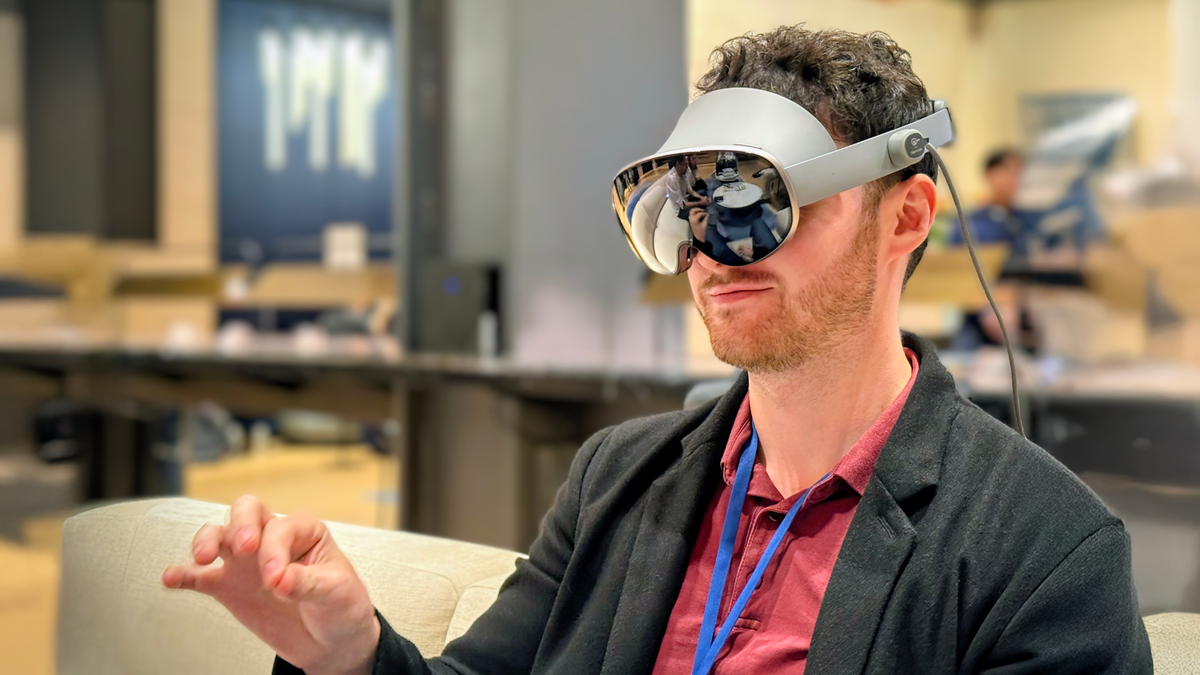
Likeness (Beta)
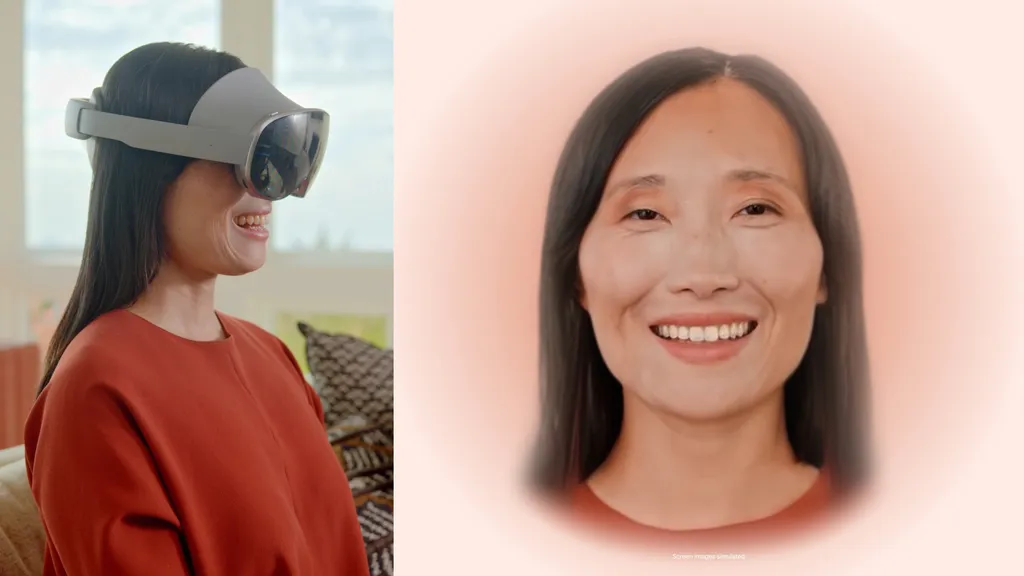
Likeness is Google's realistic avatar system for video calls in Android XR, an equivalent to the original non-spatial mode of Apple Vision Pro's Personas.
Your Likeness replaces the video feed that apps would normally get from a phone's selfie camera, providing a virtual equivalent, and should thus work for any video calling platform without developer implementation.
Android XR's Likeness on Samsung Galaxy XR.
Unlike with Vision Pro, you scan your face for Likeness by holding up your phone, not the headset itself. From here, the data is transferred to and securely stored on the headset. The Likeness app is currently only available on "select Android device models".
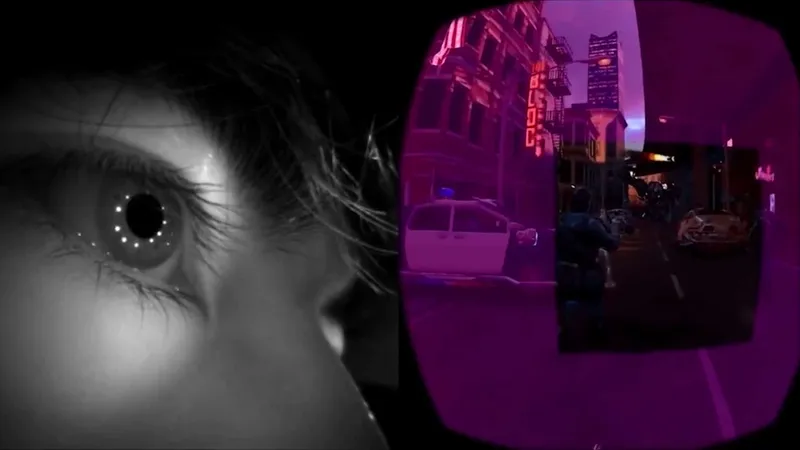
In video calls on Android XR, your Likeness is driven by Galaxy XR's eye tracking and face tracking capabilities in real-time, and the feed shows a virtual representation of your hands when you hold them up too.
Travel Mode
Android XR now has a Travel Mode, which when enabled, makes the positional tracking work properly on moving vehicles, such as planes and trains.
Apple was the first to launch this feature, alongside Vision Pro, and since then Meta, Pico, and Snap have followed.
Android XR's Travel Mode
Without a Travel Mode, the accelerometer and gyroscope in the headset's IMU will interpret the acceleration, orientation changes, and vibrations of the vehicle as your head movement, causing virtual objects and windows to drift off in the opposite direction.
Travel Mode works by having the headset rely more on computer vision from the cameras, typically incurring a small loss in tracking quality.
PC Connect (Beta)
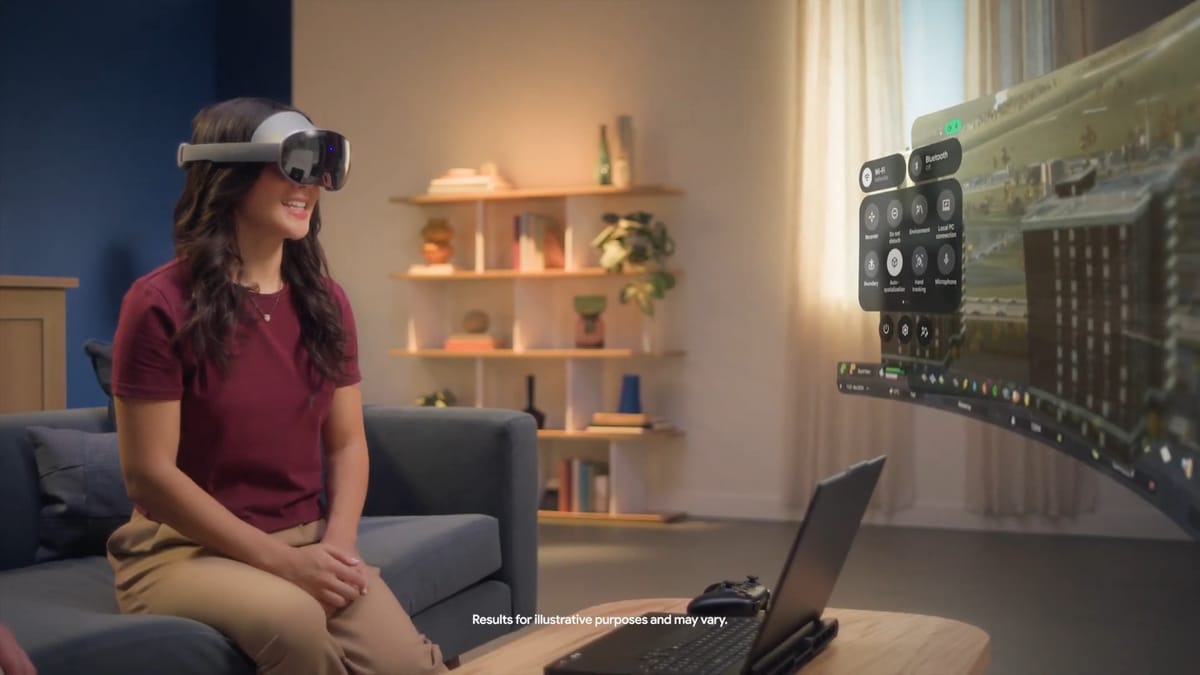
PC Connect (beta) is a feature that lets you connect to and control your Windows PC as a virtual screen in Android XR.
PC Connect on Android XR
After installing the streamer app on your PC, you can mirror your entire desktop or one window.
There are already many third-party apps on the Google Play Store that can do this, including Guy Godin's Virtual Desktop, but PC Connect offers a built-in option.
 David Heaney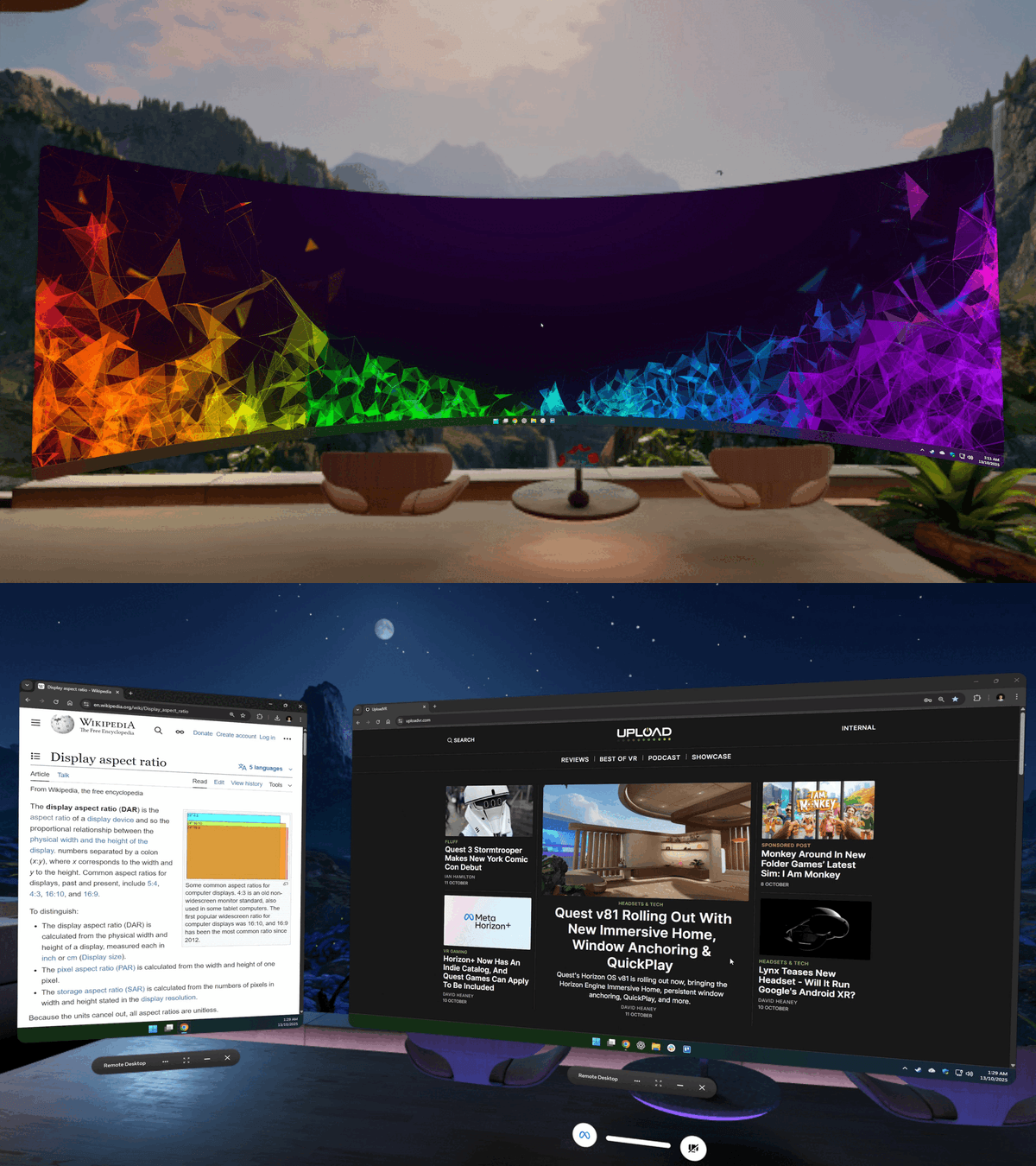
Meta has a partnership with Microsoft for an officially supported Windows 11 remote desktop system, leveraging the operating system's RDP system, with support for virtual extra monitors and multiple aspect ratios. Android XR's PC Connect doesn't seem to have Microsoft's involvement, and seems more basic for now, at least in beta, lacking these more advanced options.
We'll keep a close eye on Google through 2026 for further Android XR updates, such as whether a spatial version of Likeness arrives or advanced virtual monitor options for PC Connect.
 David Heaney