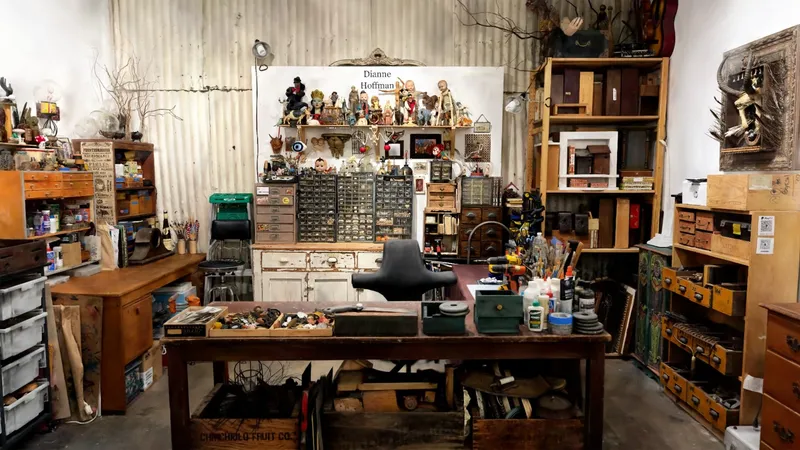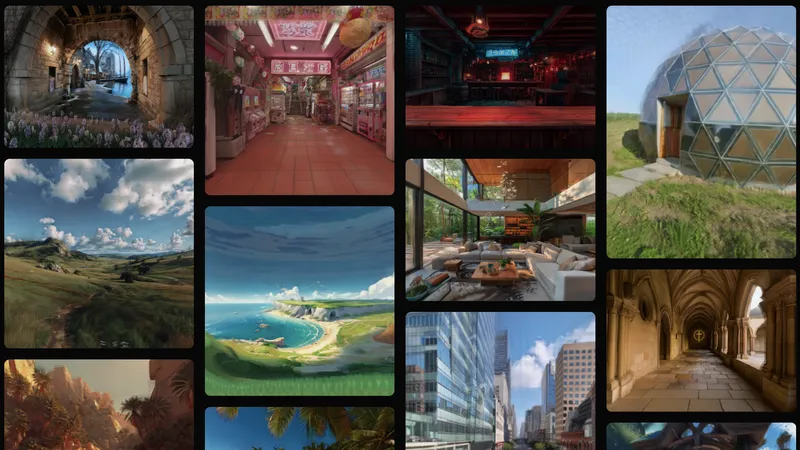


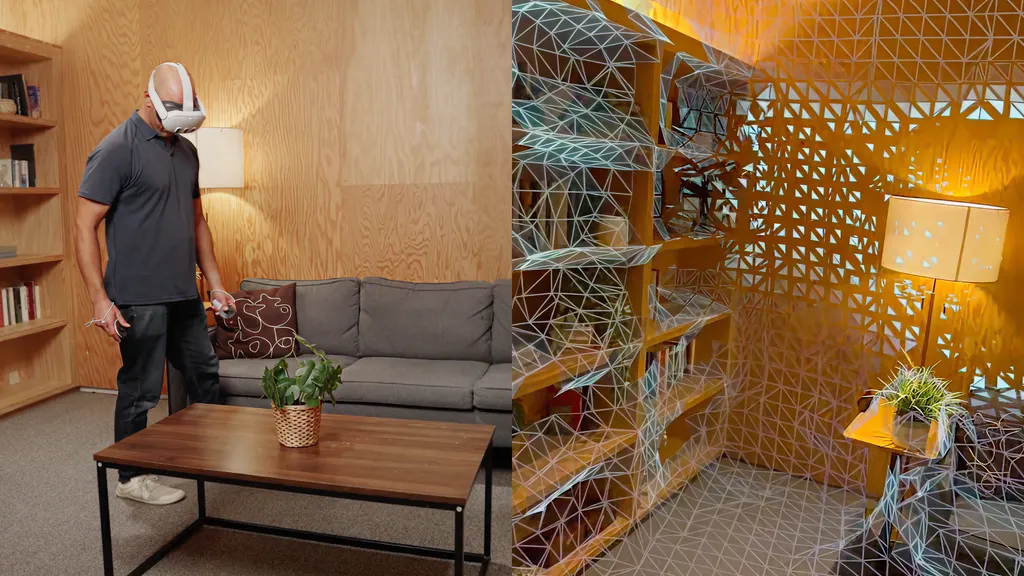
Meta Horizon Hyperscape, rolling out now in the US, lets you capture a real-world scene with your Quest 3 or Quest 3S and visit it in VR with photorealistic graphics.
At Connect 2024 last year, Meta released a Quest 3 demo app, Horizon Hyperscape Demo, showcasing six near-photorealistic scans of real world environments. At the time, Meta said it eventually planned to let you scan your own environments.
Now, the company is delivering on that promise.
Creating a Hyperscape.
There are three steps involved in creating a Horizon Hyperscape. The first two take place in the headset, and the third on Meta's servers.
Inside your Quest 3 or Quest 3S, the capture process starts by having you pan your head around the room to create a coarse 3D scene mesh, the same way you do when setting up the headset for mixed reality. This takes around 30 seconds, depending on the size and complexity of your room.
The next step, capturing the fine details, is the laborious one. You now have to walk around the room and get rid of the 3D mesh by bringing your head close to it in all places. This takes around 5 to 10 minutes.
From here, your work is over, but the Hyperscape isn't ready yet. The scanned data is uploaded to Meta's servers for processing, and 1 to 8 hours later, depending on the size of the space, you get a notification that your scan is ready.
As with the other volumetric scene capture and reconstruction technology we've seen in recent years, such as Varjo Teleport and Niantic's Scaniverse, Horizon Hyperscape is possible thanks to a technique called Gaussian splatting.
And like in Meta's demo from last year, the rendered Hyperscapes are cloud streamed from Meta's servers, leveraging the technology internally codenamed Avalanche. None of the hardest computational work involved with Horizon Hyperscape happens on-device, and you don't get access to the raw file.
Happy Kelli's Crocs room.
I tried Horizon Hyperscape in-person at Meta Connect 2025. I first visited a room in real life, and then in its Horizon Hyperscape capture in VR. I also virtually visited four captures of much further away places, including the UFC Octagon and Gordon Ramsay's home kitchen.
While this wasn't the sharpest VR I've ever seen, as Quest 3 has four times less angular resolution than Meta's Tiramisu prototype, it was among the most graphically realistic.
If Meta had blindfolded me and added a fake grain to the image, upon turning on the display I initially wouldn't have known whether what I was looking at was passthrough or real.
To be clear, it wasn't perfect. I could see the typical Gaussian splat distortion on fine details like small text, and by performing a deep squat I noticed significant distortion underneath furniture, in areas the headset never saw at all during the scan. But these imperfections aside, this was still the most realistic automatic scene capture I've ever seen.
The UFC Octagon.
That these captures were created from the Quest 3 headsets many of us have at home, and viewable in them too, is a groundbreaking new capability for consumer VR.
One thing that blew me away is how well Hyperscape captures the background of scenes. Looking out the windows of Gordon Ramsay's home, I could see his garden at the correct distance and perspective that it should be, with impressive detail given how far away it is from the location of the capture. No other scene capture technology I've tried does this as well.
Another impressive touch is just how well specular reflections on shiny surfaces are represented, be it the fridge in a kitchen or a turned-off TV in a living room, matching your perspective as you move your head.
Gordon Ramsay's home kitchen.
In a future update, Meta plans to make Horizon Hyperscape multiplayer, letting you invite friends over to visit your scans. There's no specific release timeline for that capability, but Meta says it's coming "soon".
Meta Horizon Hyperscape Capture (Beta) is "rolling out" on the Meta Horizon Store in the US, with support for Quest 3 and Quest 3S. More countries are also coming "soon".
You'll need Horizon OS v81 PTC for now, but Meta plans to roll out v81 to the stable channel some time in the next few weeks.