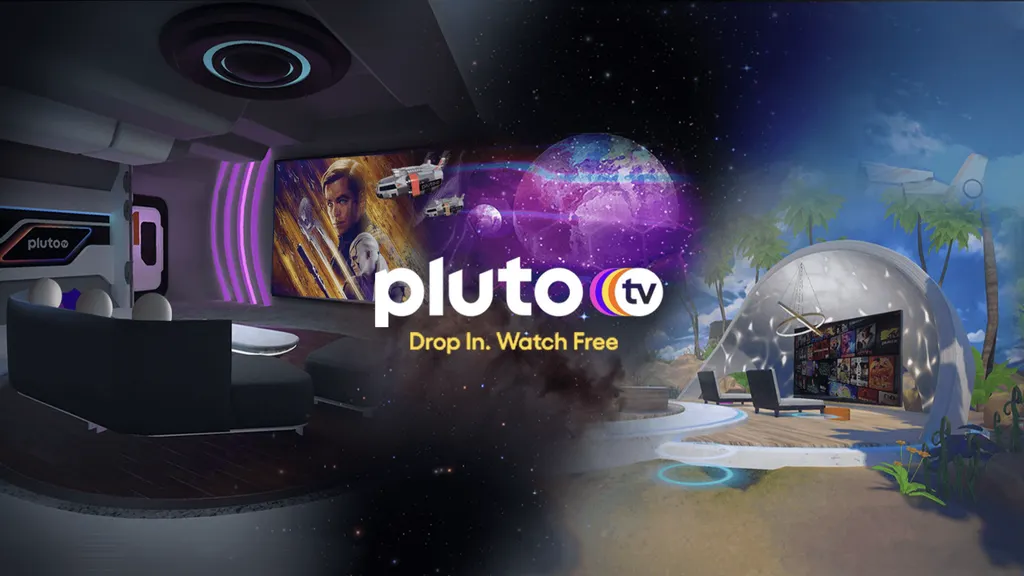
Pluto TV introduced a new immersive viewing app on Meta Quest. I spent some time with it to see what it actually offers, what works, and where it comes up short.
Pluto TV is a FAST service, meaning Free Ad Supported Television. It offers a wide range of live and on-demand content in exchange for ads. Pluto previously had a 2D app on Quest, originally released in late 2022, which has since been deprecated. You can still access Pluto through the Quest browser.
What’s interesting is that this immersive version isn’t brand new. It first appeared in beta back in 2022 and only reached full release in November 2025. That gives it a longer runway than most VR media apps, and it shows in the design.
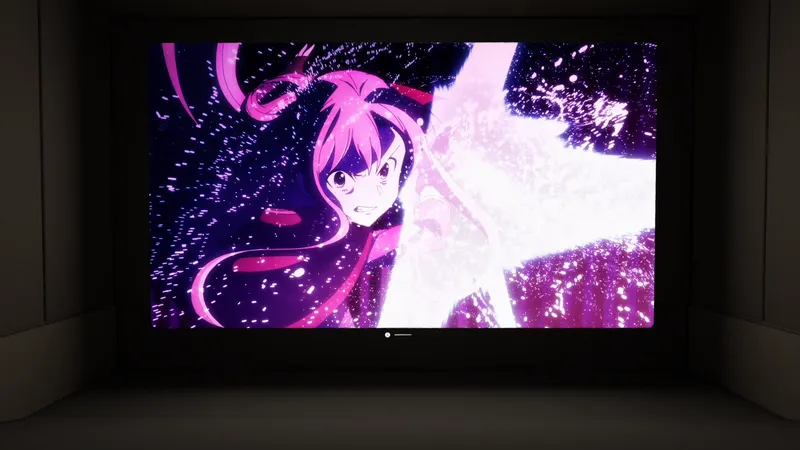
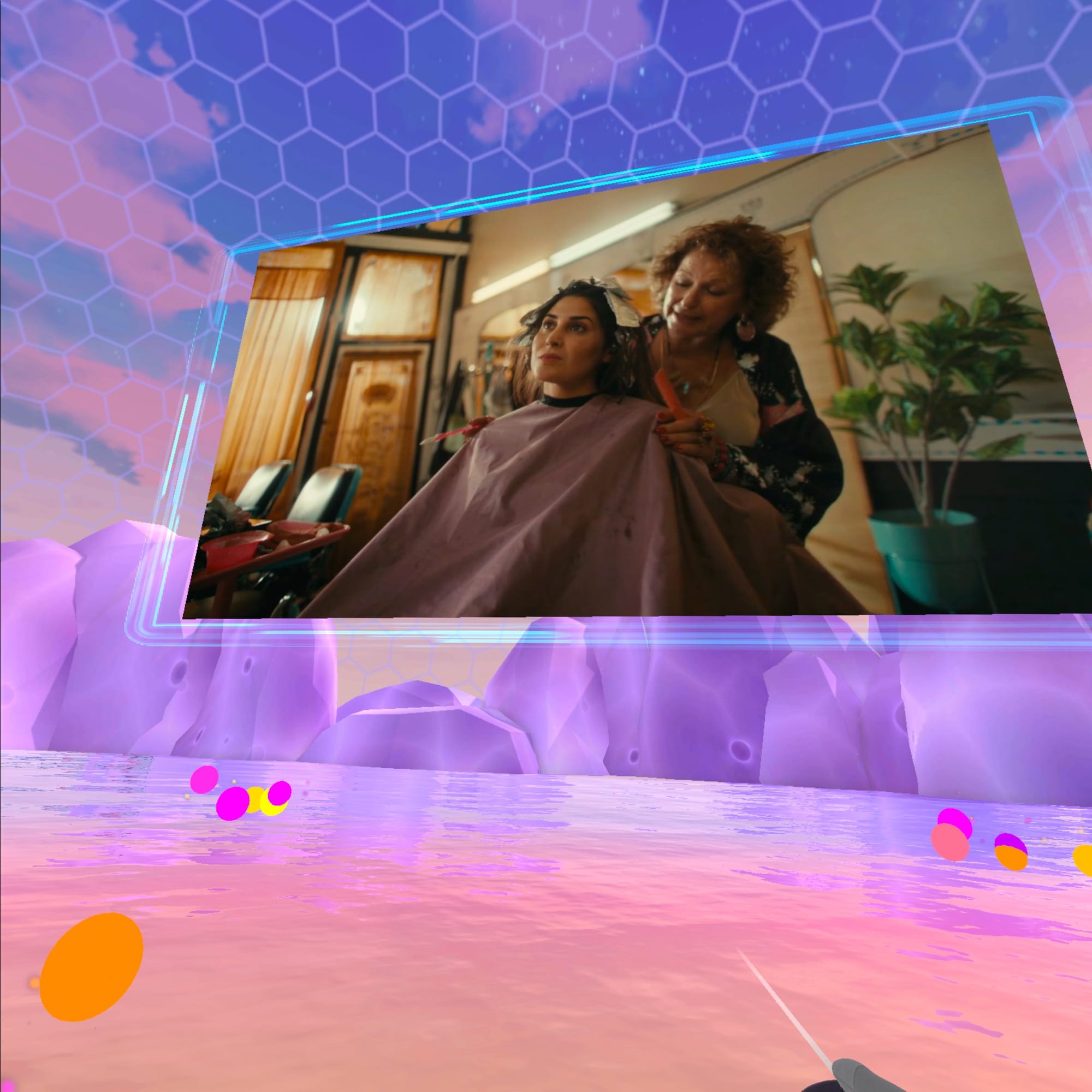
After a short tutorial, you’re dropped into a series of fully built environments. The art style leans colorful with a light sci-fi feel. There’s a beach setting on Earth, several spaces on what the app calls “Pluto TV Planet,” and a handful of environments themed around the SS Charon, named for one of the planet Pluto's moons. There’s also a completely black “void” environment if you just want to focus on the screen.
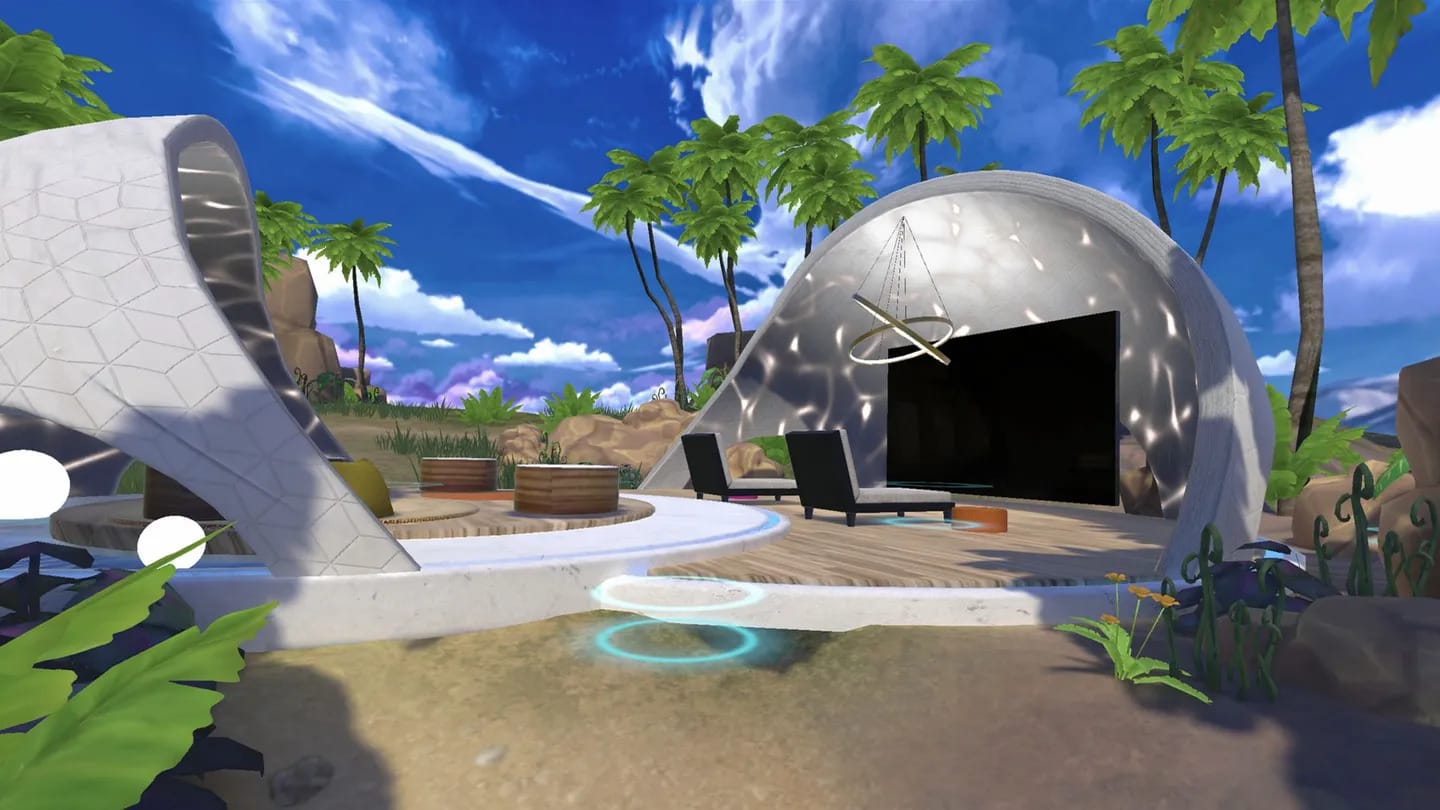
Some of these spaces are surprisingly large, with a real sense of scale. Others are tighter and more enclosed, closer to a personal media room. Across the board, they’re well done. Not just as backdrops, but as places you can actually sit in for a while.
The control design shows a similar level of thought.
Tapping the left controller button brings up a floating menu that arrives on small hovering “drone” elements in front of you. From there, you can browse channels using a standard 2D list or switch to a 3D globe-style interface.
The globe looks cool and fits the theme, but I didn’t spend much time with it. It’s more crowded and harder to move through quickly. I kept going back to the 2D list because it’s just easier. Still, I’d rather see them try something like that than play it safe.
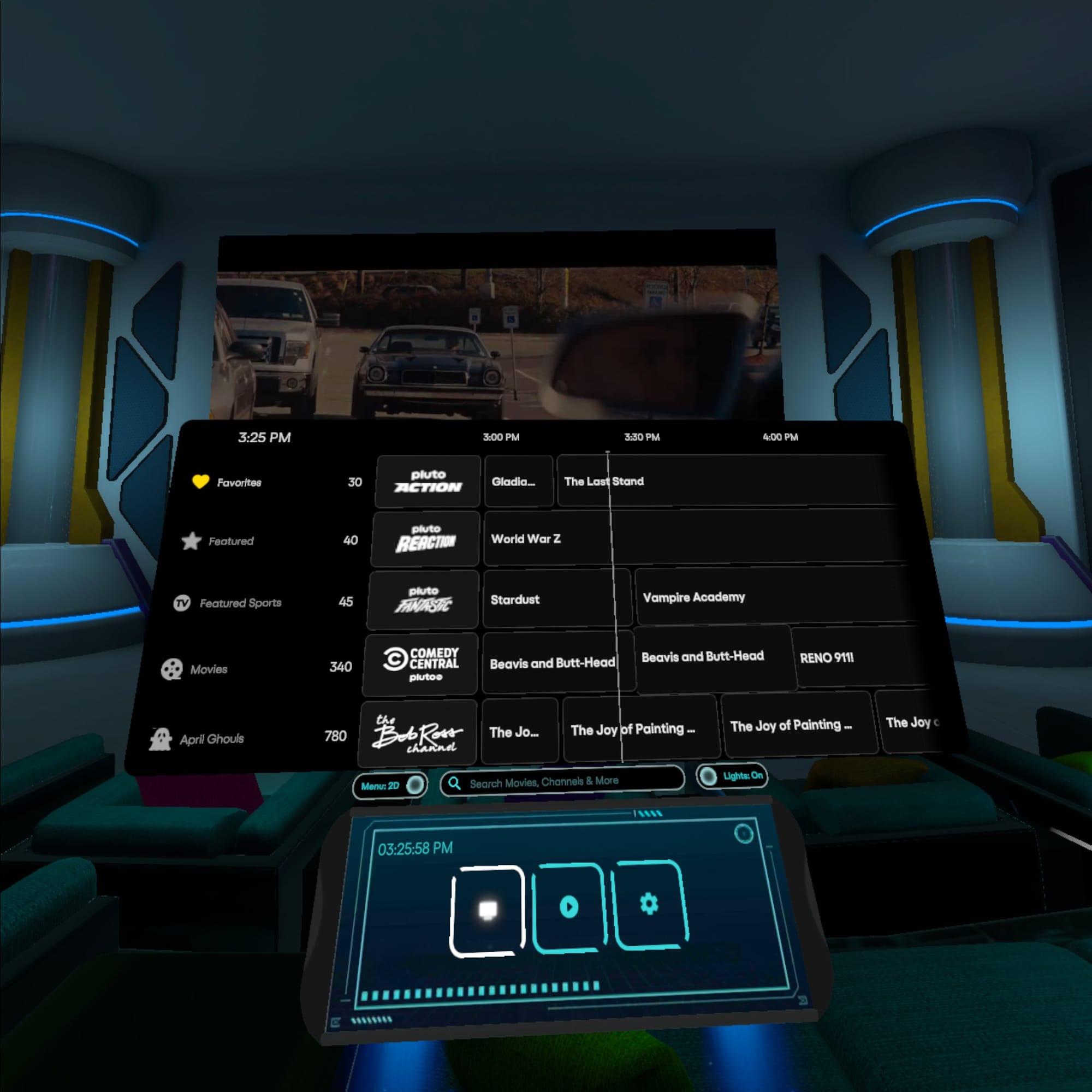
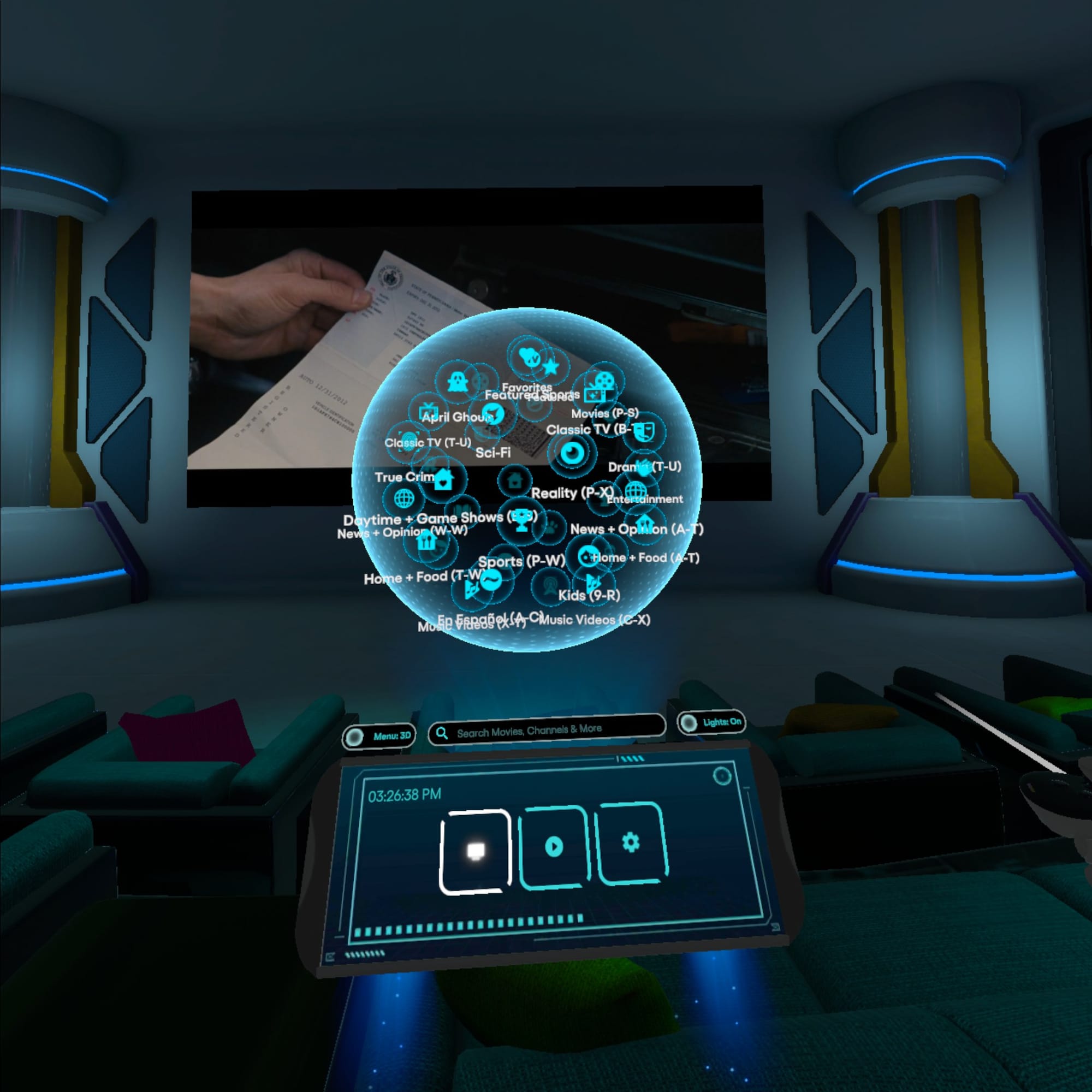
LEFT: The 2D "list view" menu. RIGHT: The 3D "globe view" menu.
One of the more subtle features ended up being one of my favorites. In indoor environments, you can dim or fully turn off the lights. Once you do, the space fades back and the screen becomes the focus. It starts to feel less like testing something and more like actually sitting down to watch.
Screen control is another area where they got it right.
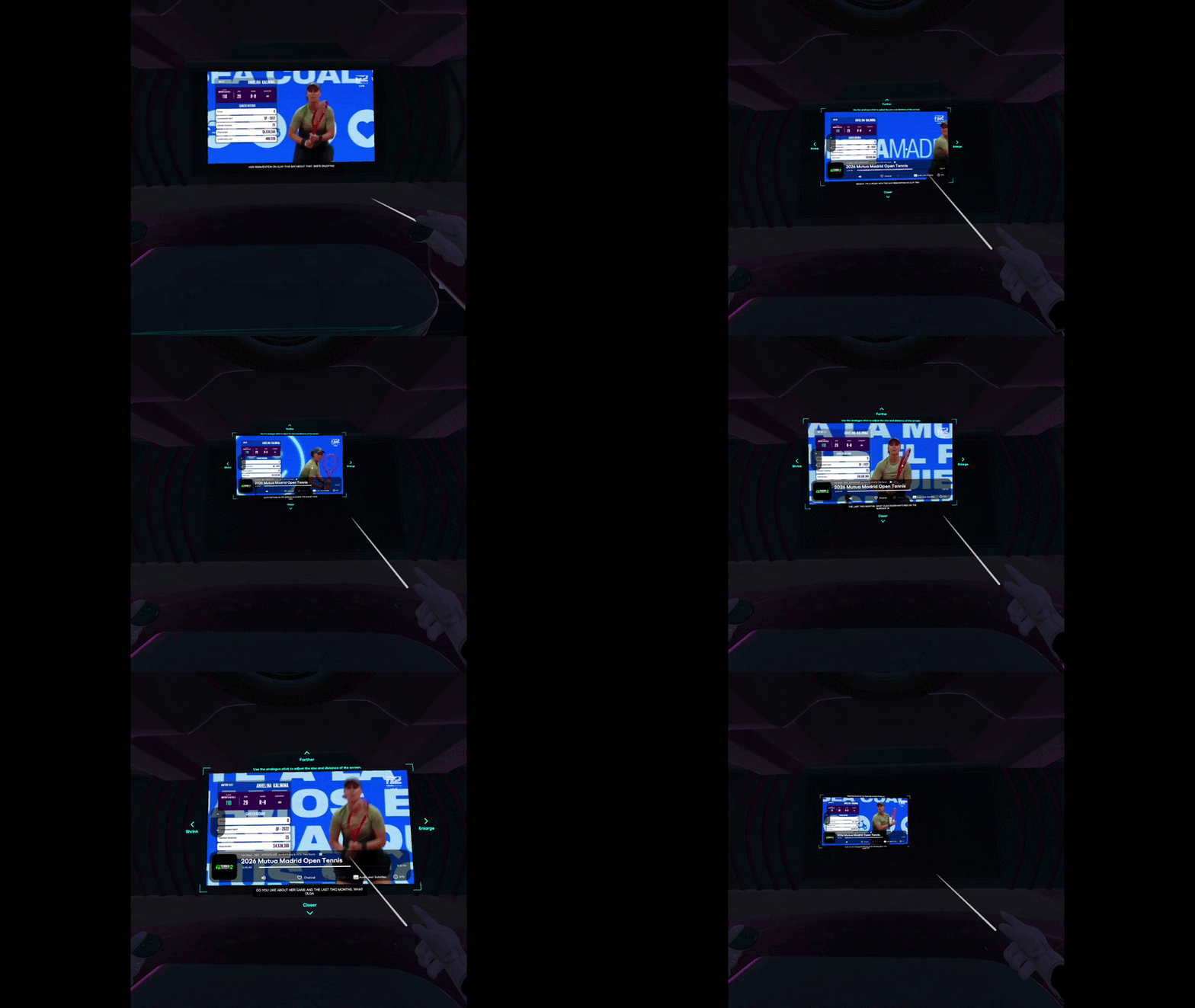
You can grab the screen off the wall, pull it toward you, and adjust size and distance with the thumb stick. It’s quick and precise, and it doesn’t take long to dial it in exactly how you want it. When you’re done, you just place it back on the wall surface.
The Space Feels More Considered Than The Content
Spending more time in the app, the contrast between the environments and the content becomes hard to ignore.
The spaces feel intentional. Some are built like large social theaters, with rows of seating and wide layouts that clearly point everyone toward the screen. Others are more intimate. Across all of them, the design holds up. These are spaces you can spend time in.
But they also raise a question: Who are these spaces actually for?
A number of them feel like they’re meant to be shared. Rows of seats, open layouts, the kind of setup you’d expect other people to be in. And yet every time I used the app, I was alone.
Sitting in a large virtual theater with dozens of empty seats starts to feel a little strange after a while. It almost feels like the room is waiting for people who never show up. It even made me miss the kind of shared viewing you get in Bigscreen.
What makes that stand out more is that earlier versions of this app did experiment with social viewing. During its beta period, there were signs that shared experiences were part of the plan. In the current release, that layer is gone.
So these environments end up in an odd place. They still feel like shared spaces, but function as single-user ones, with no way to bring anyone else in.
At the same time, the content itself doesn’t change.
No matter which environment you pick, you’re still watching standard 2D streams. A live tennis match plays inside a massive theater. A sitcom runs against a sci-fi backdrop. The space changes. The lighting changes. The scale changes. The content doesn’t.
That creates a disconnect. The environments add something to it. I just don’t think the content has caught up yet.
Is Immersion Actually The Point?
This is where the Pluto TV Immersive app gets more interesting. It doesn’t really settle what TV in VR is supposed to be. If anything, it shows how open that question still is.
Pluto TV is built around browsing. You jump in, see what’s available, and move around until something catches your attention.
VR isn’t quite like that.
Even in its most relaxed form, putting on a headset is still a decision. You’re stepping into a space and tuning out what’s around you, at least for a while.
The app does a lot to make that feel comfortable. Adjustable screens, easy repositioning, lighting controls that let the environment fall away when you want it to.
But it doesn’t fully bridge that gap. At times, the space stands out more than what you’re watching.
There’s Still Something Here That Works
For all of that, I do enjoy spending time in these environments.
I’m a sucker for sci-fi spaces, and Pluto leans into that in a way that works. The lighting, the scale, the overall feel. It’s easy to settle in, especially once the lights are down and the screen becomes the focus.
There’s real care here. These environments don’t feel like an afterthought.
And in the right moments, it clicks.
More importantly, I keep coming back to it. When I want to put something on, zone out for a bit, and just sit in a different kind of space, this is one of the apps I open. Even without the social layer, it works surprisingly well as a solo viewing experience.
One thing that would help is a better bridge back to the real world. A simple mixed reality portal where you can check your phone or glance at your surroundings without leaving the space entirely. Right now it’s all or nothing.
Using the Pluto TV Immersive app on Meta Quest 3
Where This Actually Lands
There’s something here worth paying attention to.
The interaction model is solid. The environments are well designed. The lighting controls and screen handling are better than most apps in this category.
But it still feels like an incomplete version of a bigger idea.
This has been in development for a while, and that makes the missing pieces stand out more. The absence of social viewing, especially after it was explored during beta, leaves a noticeable gap.
Right now, Pluto TV Immersive places familiar TV inside spaces that often do more of the work than the content itself. What it hasn’t fully figured out yet is whether those spaces meaningfully change the experience, or how people actually want to use it.
For now, it sits somewhere in between, more engaging than watching on a 2D panel, and often a genuinely enjoyable place to spend time, even if it doesn’t fully change how or why you watch. And if they do eventually add a social component, you will likely find me there.
The Pluto TV Immersive app is available for free on the Meta Quest store and supports Quest 2, Quest Pro, and Quest 3/3s.